

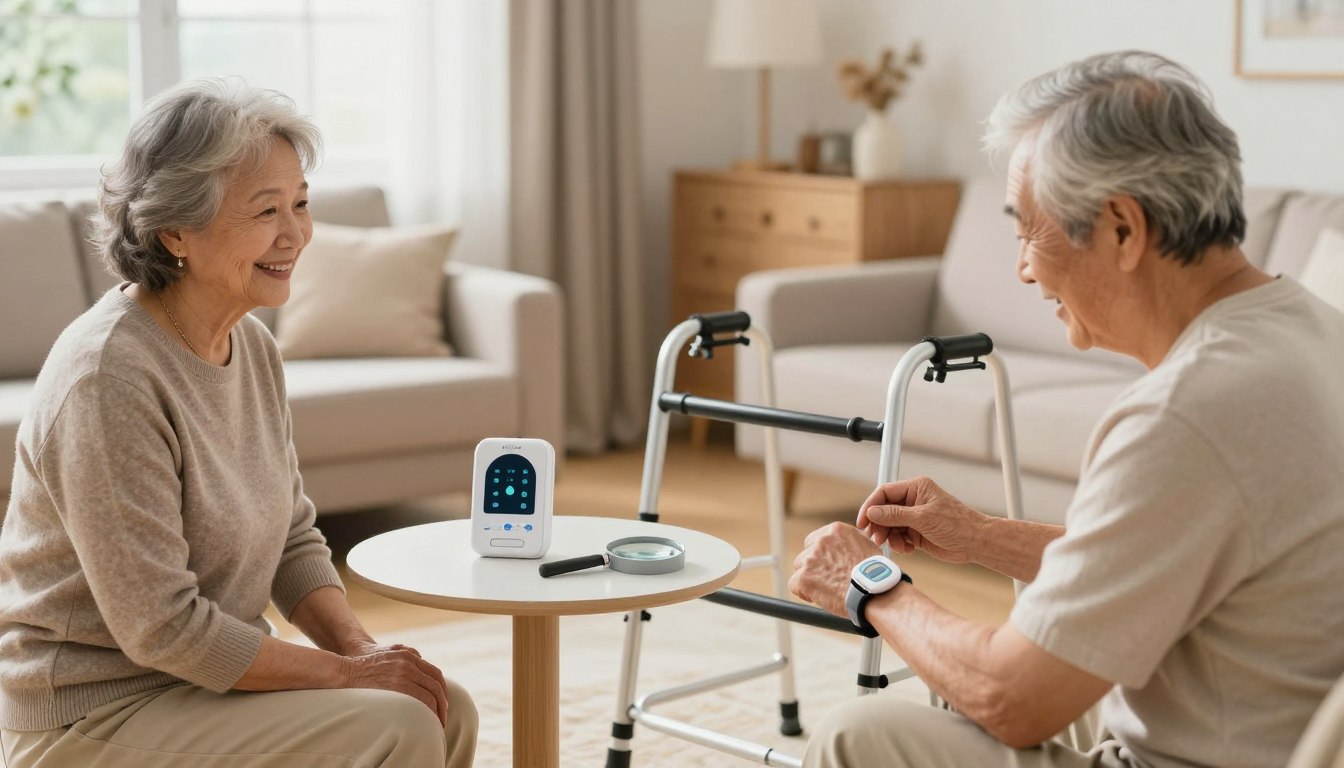
Sarah’s phone buzzed at 2:37 AM. Her heart dropped. It was her mom. “I just tripped over the rug, honey. I’m okay, but my wrist hurts.” That call, and the frantic drive across town, changed everything. Sarah realized her fiercely independent mother wasn’t just “fine” living alone.
If you’ve felt that 3 AM worry, you’re not alone. This guide is for you. We understand the delicate balance between respecting a parent’s independence and ensuring their well-being. You need solutions that are simple, reliable, and don’t require a tech degree to operate.
We focus on straightforward tools that provide immediate help. These options offer a direct connection to assistance with the press of a button. Our goal is to give you confidence and your loved one the freedom to live life on their terms.
According to recent data, many families seek help only after a scare. The CDC notes that falls are a significant concern for older adults. Being prepared beforehand is the key to true peace of mind.
Key Takeaways
- Simple, reliable tools can provide immediate help without complex technology.
- Many families seek solutions after experiencing a fall or medical emergency.
- Effective options respect independence while offering protection.
- The right choice provides reassurance to both the older adult and their family.
- We’ve researched the best options available to save you time and stress.
- Solutions exist for every lifestyle and budget.
Understanding Low-Tech Senior Safety Devices
David kept his phone volume on maximum, even during meetings, after his mother’s last scare. That constant worry doesn’t have to be your reality. Simple tools exist that bridge the gap between independence and security.
Defining the Basics
When we talk about straightforward protection tools, we mean options your parent can actually use. No complex technology to master. No apps to update or passwords to remember.
The beauty lies in their reliability. These solutions don’t depend on Wi-Fi connections or daily smartphone charging. They work with a simple press of a button.
Core Components and Functions
The main piece is usually a wearable help button. It connects to a base unit in the home. When activated, it immediately contacts a professional monitoring center.
Trained staff can hear what’s happening through two-way speakers. They assess the situation and dispatch help if needed. This happens within seconds of pressing the button.
This direct connection provides peace of mind. Your loved one gets assistance without fumbling for a phone during an emergency. The entire system is designed for one purpose: getting help fast when it matters most.
What Are Low-Tech Senior Safety Devices?
After her aunt’s fall, Rebecca realized that complex technology wasn’t the answer—simplicity was what truly mattered. She needed a solution her aunt could actually use without frustration or confusion.
These straightforward medical alert systems are designed with one purpose: immediate connection to help. Unlike smartwatches that require charging and app updates, these systems work right out of the box.
The classic example is a pendant or wristband with a single button. When pressed, it connects directly to trained professionals available 24/7. This direct line eliminates the stress of finding a phone during an emergency.
What makes these options accessible isn’t outdated technology—it’s intentional design. They prioritize reliability over fancy features that might overwhelm. The entire system focuses on removing barriers to emergency assistance.
Some medical alert systems use landline connections, while others operate on cellular networks. Both options share the same goal: creating a lifeline that feels natural and unintimidating to use daily.
When choosing a device, consider whether your loved one will actually wear it consistently. The best alert system is one that becomes a comfortable part of their routine, providing peace of mind without complication.
Key Features to Consider When Buying
When Lisa started researching protection tools for her father, she quickly realized the choices were overwhelming. The right selection comes down to a few key factors that make all the difference in daily use.
Pendant vs. Wristband Options
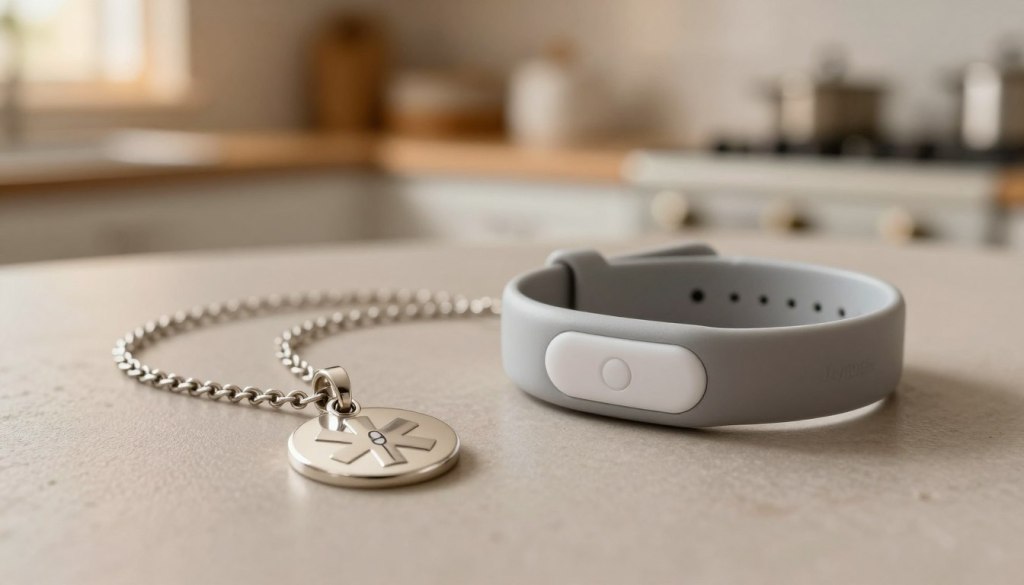
The choice between a pendant and wristband matters more than you might think. It’s about what your parent will actually wear consistently.
Pendants hang around the neck, staying accessible but out of the way. Wristbands fasten like a watch and feel more natural for some people. Consider your parent’s preferences—if they never wore necklaces, a pendant might end up on the nightstand instead of being worn.
Battery Life and Connection Types
Battery performance is crucial. You don’t want the device dying when it’s needed most. Look for options offering at least 3-5 days between charges.
Medical Guardian’s MGMini provides up to 5 days of battery life, while Bay Alarm Medical offers 3 days. Some systems even reach 10 days.
Connection types also matter. Landline systems work with home phones, while cellular options function anywhere in the house. Fall detection is a valuable feature worth the extra cost—usually $10 monthly—as it automatically sends an alert if a fall occurs.
Benefits of Low-Tech Solutions for Seniors Living Alone
What started as a precautionary measure became the foundation for renewed independence and family peace. These straightforward tools transform worry into confidence, creating a safety net that respects autonomy.
The greatest gift these options provide is dignity. Your loved one maintains control over their daily life while having immediate access to help. They continue living in their cherished home without constant supervision.
When an emergency occurs, response time becomes critical. Research shows that extended wait periods significantly impact outcomes. Having a reliable alert system means trained professionals respond within seconds.
| Benefit Type | For Your Loved One | For Your Family |
|---|---|---|
| Emotional Security | Maintains independence and dignity | Reduces constant worry and checking |
| Practical Protection | Immediate access to emergency help | Professional monitoring 24/7 |
| Long-term Value | Improved quality of life at home | Peace mind knowing help is available |
These simple devices work even during confusion or injury. The reliability provides essential protection when it matters most. You can explore various protection options to find the perfect fit.
The emotional benefit extends to better sleep for everyone. Knowing that an emergency alert brings immediate help creates genuine peace of mind. This simple system transforms fear into freedom.
Comparing In-Home and On-The-Go Medical Alert Systems
Choosing the right medical alert system often comes down to one simple question: does your parent need protection at home, or everywhere they go? The answer shapes which device offers true peace of mind.
Some systems are designed for life within the house and yard. Others provide a safety net that travels.
Home-Based Device Advantages
In-home alert systems are perfect for parents who spend most of their time at home. They use a base station and a wearable help button.
The range is a critical feature. It determines how far from the base unit the button will work. Your parent needs coverage throughout the entire house, garden, and driveway.
Medical Guardian’s MG Home Cellular offers an industry-leading range of 1,400 feet. Bay Alarm Medical provides a solid 1,000 feet. These systems are typically more affordable, with monthly monitoring starting around $25.
Portable Device Considerations
On-the-go systems are essential for active, independent parents. They are mobile device with built-in cellular service.
The key advantage is GPS location tracking. If your parent has an emergency away from home, the monitoring center can find their exact location. This is vital if they are disoriented or lost.
The trade-off is a higher monthly cost, usually between $35 and $47. These portable device also need regular charging, typically every few days.
| Feature | In-Home System | On-The-Go System |
|---|---|---|
| Best For | Parents who rarely leave home | Active parents who drive and run errands |
| Coverage Area | House & yard (up to 1,400 ft range) | Anywhere with cellular service |
| Key Technology | Base station communication | GPS location tracking |
| Approximate Monthly Cost | $24.95 – $38.95 | $34.95 – $46.95 |
Analyzing Top Medical Alert Systems on the Market
After reading dozens of reviews, Emily knew she needed to focus on two key factors: response speed and genuine customer care. Our testing reveals which providers excel where it matters most.
Medical Guardian Features
Medical Guardian earned our highest rating of 9.9/10. Their average response time is lightning-fast at just 29 seconds. This system offers incredible range—up to 1,400 feet from the base unit.
They provide five different devices to suit various needs. The MGMini offers impressive 5-day battery life. Their monitoring center staff proved exceptionally professional during our tests.
Bay Alarm Medical Insights
Bay Alarm Medical scored a perfect 10/10 for customer service. Their team provides exceptional support seven days a week. While their average response time is 51 seconds, the quality of care is outstanding.
This alert provider stands out with a rare 15-day free trial. Their starting monthly cost is just $27.95—the lowest we found. They offer free equipment on base systems and decorative charms to make help buttons more discreet.
Both companies represent excellent choices among the best medical alert systems available today. Your choice depends on whether you prioritize speed or budget-friendly options.
Customer Service and Reliability in Medical Alert Providers
The Sunday afternoon call with her father revealed a problem that couldn’t wait until Monday morning business hours. This experience taught her that customer service quality matters just as much as the equipment itself.
When you’re helping a loved one, you need real human support. Not endless automated systems. The right service team makes all the difference during setup and emergencies.
| Feature | Bay Alarm Medical | Medical Guardian |
|---|---|---|
| Customer Service Hours | 7 days/week: Mon-Fri 6am-6pm PT, Weekends 8am-4:30pm PT | Mon-Fri 9am-8pm ET, Sat 9am-5pm ET |
| Contact Methods | Phone, email, chat | Phone, email, chatbot |
| Response Time Average | 51 seconds | 29 seconds |
| Support Quality | 10/10 rating, caring representatives | Professional, cheerful monitoring staff |

Bay Alarm Medical stands out with seven-day customer service. Their team provides exceptional support when you need it most. Weekend availability is crucial for peace of mind.
The monitoring center response time is equally important. Medical Guardian averages an impressive 29 seconds. Their staff treats every call as a real emergency.
Reliability means consistent connections and clear communication. Choose a provider that values your customer experience. One that supports you through every step.
User Experience and Setup Process
For many families, the biggest hurdle isn’t choosing the right device, but the anxiety of setting it up correctly. Will it be a frustrating puzzle? This concern is real and valid.
A positive first impression is crucial. If opening the box is a struggle, it sets a negative tone.
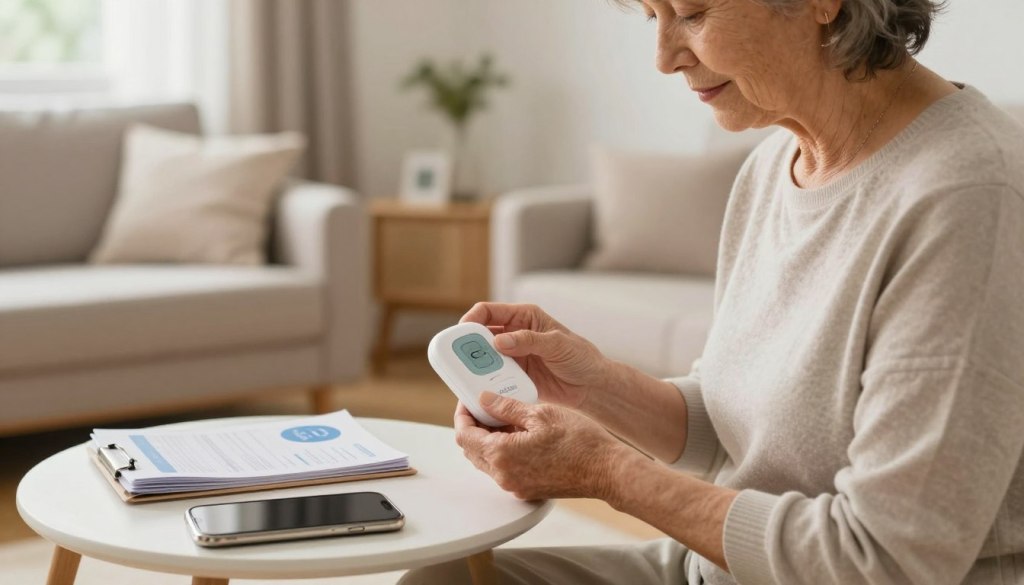
We evaluated the initial experience with leading providers. The goal was simplicity from unboxing to first use.
Unboxing and Installation Ease
Medical Guardian’s packaging stood out. It featured soft foam that pulled out easily. This design helps people with hand dexterity issues.
Their system simplifies connection. Devices automatically find your WiFi network. The help button even talks you through the process.
Bay Alarm Medical takes simplicity further. Their units arrive pre-activated. There is essentially no setup needed before use.
Understanding User Manuals and Guides
A good manual uses clear pictures, not confusing jargon. Medical Guardian’s guide shows where everything goes.
Visual cues are also helpful. Devices light up or say “charging” when placed correctly. This confirms the system is working.
Both companies offer step-by-step instructions. They respect the user‘s intelligence while making the process genuinely easy.
| Setup Feature | Medical Guardian | Bay Alarm Medical |
|---|---|---|
| Packaging | Easy-open foam design | Standard packaging |
| Connection Process | Automatic WiFi connection | Pre-activated; no setup |
| User Guidance | Voice-guided help button | Clear, written instructions |
| Charging Indicators | Visual and audio cues | Visual light indicators |
This thoughtful design ensures a smooth start. It builds confidence for the user and their family. For more tips on introducing new technology, explore this guide on how to teach technology to seniors.
Integrating Safety Devices with Caregiver Apps
Mark found himself checking his phone every hour, even during important client presentations. The constant worry about his mom’s wellbeing was becoming a distraction he couldn’t afford. That’s where modern caregiver apps change everything.
These smartphone applications keep you connected to your parent’s protection system. You receive immediate alerts about emergency calls and system status updates. No more constant checking calls that disrupt your day—or theirs.
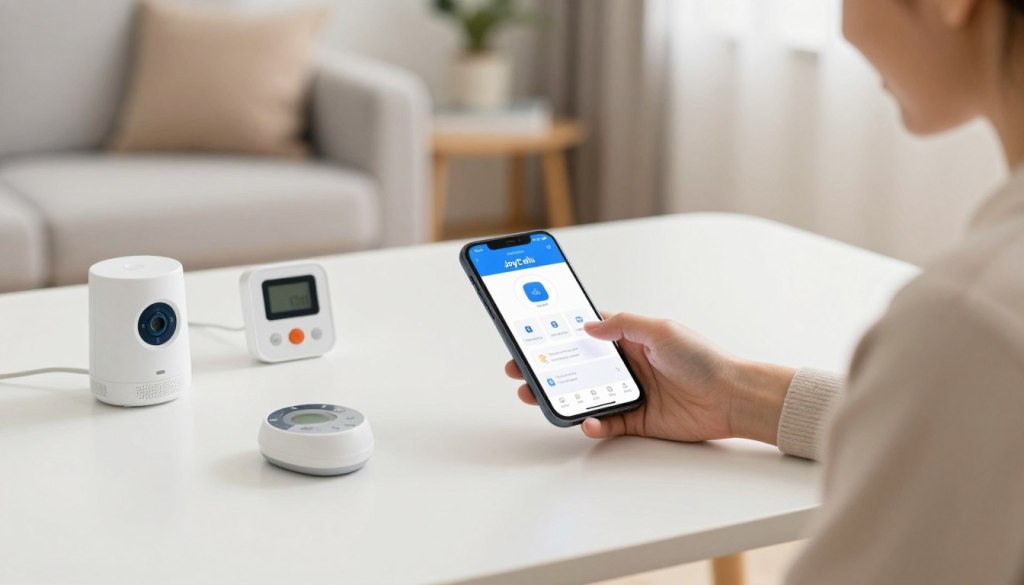
Medical Guardian’s MyGuardian caregiver app includes a special Care Circle feature. Multiple family members can coordinate care and receive notifications. You’re not carrying the entire responsibility alone.
Bay Alarm Medical’s app lets you manage accounts and track mobile device locations. GPS tracking shows where your parent is during emergencies. This is vital if they can’t communicate their location.
For daily connection beyond emergencies, consider JoyCalls. This AI companion makes regular check-in calls to your parent. It sends you conversation summaries without requiring any app or device for them.
These tools represent how technology enhances independence while keeping families connected. The right caregiver app turns worry into informed peace of mind.
Evaluating Pricing, Hidden Fees, and Equipment Costs
The final checkout page shouldn’t be the first time you see the real total. Understanding the complete pricing picture prevents stressful surprises.
Monthly monitoring costs are just the start. They range from about $25 to $47. Bay Alarm Medical offers a low starting price of $27.95.

Watch for equipment fees. Some companies charge over $150 for the equipment, only showing this fee at checkout. This feels deceptive.
Others are more transparent. MobileHelp charges no equipment fees at all. Bay Alarm Medical often provides the home system equipment for free.
Add-ons like fall detection typically cost $10 per month. This is a valuable cost for added protection.
Here’s a quick breakdown to help you compare:
- Monthly Monitoring: Ranges from $24.95 to $46.95.
- Equipment Fees: Can be $0 (MobileHelp) or over $150 (Medical Guardian).
- Fall Detection: Adds about $10 to your monthly bill.
- Hidden Charges: Ask about activation and shipping fees.
Choosing a provider with clear pricing, like those reviewed on SeniorLiving.org, makes budgeting simpler. You get peace of mind without financial worry.
Expert Reviews and User Testimonials
The true test of any emergency system comes not from marketing claims, but from genuine user experiences. Our team conducted hands-on testing with the same care and concern any family member would bring to this important decision.
We evaluated each device across 16 different criteria. Our testing process included unboxing, setup, and multiple emergency calls. One team member noted about Medical Guardian: “I had no issues taking everything out. The soft foam cushioning was easily pulled out.”
Response time testing revealed impressive results. All recommended systems connected to monitoring centers in under 60 seconds. LifeFone averaged just 22 seconds, while Medical Guardian responded in 29 seconds.
The monitoring staff treated every test call with professional seriousness. Our review process confirmed that quality response teams make the difference during real emergencies. For additional comprehensive reviews, we recommend checking trusted sources.
This thorough evaluation experience gives families genuine confidence. Knowing how each alert system performs in real-world conditions provides peace of mind that brochures alone cannot offer.
Top Picks for Low-Tech Senior Safety Devices
Our comprehensive testing revealed clear winners in different categories based on specific needs. Each of these medical alert systems offers unique strengths that make them stand out.
Overview of Best-Selling Options
Medical Guardian earns our best overall pick with lightning-fast 29-second response times. Their impressive 1,400-foot range covers even large homes comfortably.
For exceptional customer care, Bay Alarm Medical delivers perfect 10/10 service scores. Their rare 15-day trial and $27.95 starting price provide outstanding value.
Best Value for Budget-Conscious Buyers
MobileHelp stands out with the lowest monthly cost at $24.95 and absolutely no hidden fees. Their generous bundles make this system incredibly affordable for families.
LifeFone offers the longest battery life—up to 10 days—perfect for those who might forget regular charging. Their 22-second response time provides quick emergency assistance.
The right choice depends on your specific situation. Active individuals need mobile devices, while home-based options work perfectly for those who stay close to home.
Tips for First-Time Buyers
Navigating the world of medical alert systems for the first time brings up important questions about trial periods and warranties. Getting this decision right matters for long-term peace of mind.
What to Look for in a Trial Period
A good trial period lets your loved one test the device in daily life. Bay Alarm Medical offers 15 days, while Lively provides 30 days to try their system risk-free.
During the trial, have them press the help button after warning the monitoring center. This shows how quickly the alert connects and how clear communication sounds.
Walk through the entire home while wearing the button. Check if the range covers basements, yards, and far corners. Comfort and ease of use matter most during this testing phase.
Warranty coverage protects your investment long-term. Medical Guardian offers one year, while MobileHelp provides an impressive lifetime warranty. Bay Alarm Medical covers normal wear and tear.
When buying your first system, don’t rush. Talk about what feels comfortable to wear daily. Consider starting with basic options if they’re skeptical about these helpful tools.
Additional Resources and Tools for Decision Making
While medical alert systems provide crucial emergency protection, true peace of mind comes from addressing multiple safety aspects. A comprehensive approach creates layers of protection that work together seamlessly.
Consider home modifications like grab bars and walk-in tubs. These tools prevent accidents before they happen. Stair lifts and wheelchair ramps make multi-story home environments safer for older adults.
Financial protection is equally important. Identity theft services monitor accounts and credit scores. “Scammers often target older adults,” warns a fraud prevention expert. AARP’s Fraud Watch Network offers a helpline at 877-908-3360 for immediate assistance.
For daily connection, JoyCalls provides regular check-ins through simple phone calls. This AI companion works alongside emergency alert systems, offering conversation and early detection of changes. Sign up for JoyCalls to maintain daily contact without requiring any new device.
Hearing aids help people hear emergency warnings clearly. Mobility tools like canes and scooters prevent falls. These services complement your main protection systems.
Building complete safety means considering isolation, cognitive changes, and financial risks. Each layer adds protection, creating confidence for both seniors and their families. The right combination of tools addresses the whole picture.
Future Trends in Medical Alert and Safety Technology
The evolution of emergency response tools is moving toward invisible protection that works seamlessly in the background of daily life. These innovations respect independence while providing advanced security.
Advances in Fall Detection and Health Monitoring
Modern fall detection technology has transformed emergency response. Sophisticated algorithms analyze movement patterns to distinguish between normal activities and actual falls.
This automatic detection can send an alert even when someone cannot press the button. Roughly 1 in 4 older adults experience falls each year, making this feature increasingly vital.
Health monitoring capabilities are expanding beyond emergency calls. Some systems now track activity levels and sleep patterns. These features provide early warning signs of health changes.
Future integration with smart home technology offers exciting possibilities. Voice-activated systems allow for help requests without wearable devices. The focus remains on user-friendly designs that people actually want to use daily.
As detection accuracy improves, these advanced features are becoming standard rather than optional. This progression represents meaningful progress in protective technology.
Conclusion
As you consider the options before you, remember that this choice represents love in its most practical form. Statistics show that 75% of families wait until after an emergency to seek help. You have the power to be different.
Choosing a medical alert system before something happens provides essential protection. It maintains independence while offering true peace mind. These simple tools create safety nets that respect autonomy.
The right device becomes a lifeline. It connects your loved one to immediate assistance when needed most. Modern alert systems blend reliability with dignity.
Trust your research. You’ve gathered the information needed to make an informed decision. This investment in safety benefits everyone involved.
Take that next step with confidence. Your proactive choice today could prevent tomorrow’s crisis. You’re not just buying equipment—you’re purchasing precious peace of mind.