

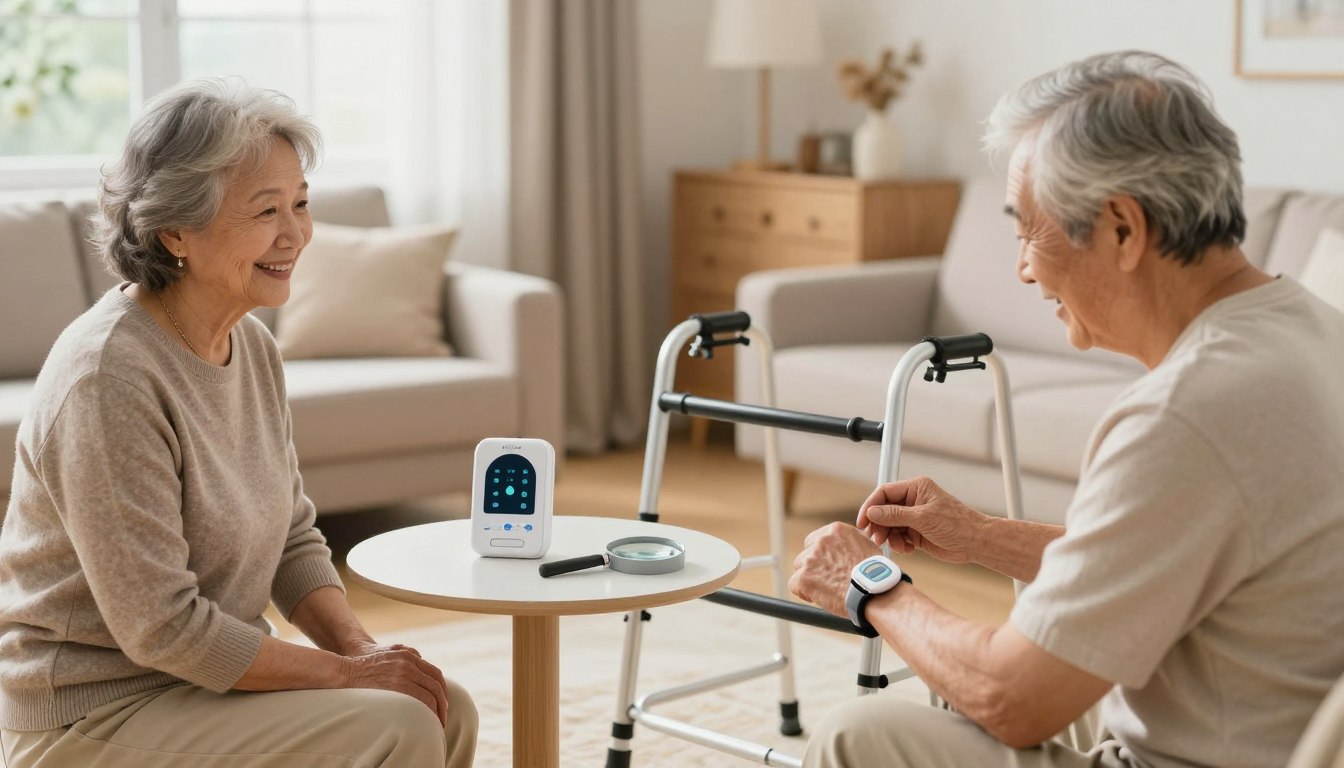
The best low-tech safety devices for a senior living alone are not gadgets that need an app, a password, or a weekly software update. They are grab bars, night lights, a corded phone, a well-placed flashlight, a weekly pill organizer, and a single-button help pendant — plus a routine that keeps all of it working. This guide walks through the ones that earn their place, where to put them, and how to introduce them without making your parent feel supervised.
What “low-tech” actually means here
A low-tech safety device is one your parent can use without learning anything new. No charging cycle to remember, no menu to navigate, no phone to unlock first. Reliability is the whole point: it should work the same way on a bad day as it does on a good one.
That covers two categories: physical changes — bars, mats, lighting, seating, storage — that make an ordinary day easier to move through, and ways to reach help fast, like a wearable button, a corded phone, a printed contact sheet, or a daily check-in call. Most homes need both, and the physical changes usually matter more, because they reduce the number of emergencies in the first place.
Start with a “normal day” walkthrough
Before buying anything, walk through the home as if you were the person living there. Start at the bed, then move through the whole day: getting up, using the bathroom, making tea, taking medication, sitting down, answering the phone, checking the door, doing laundry, bathing, cooking dinner, going back to bed.
At each point, ask one question: what could make this moment harder, slower, or riskier? The bedroom may look safe at noon, but at 2 a.m. the path to the bathroom is dark. The kitchen may look organized, but the most-used mug is on a high shelf. There is a bath mat, but it slides slightly when you step on it. The hallway is clear, but a charger cord crosses it.
The National Institute on Aging recommends exactly this kind of room-by-room approach to fall prevention: better lighting, fewer tripping hazards, and bathrooms made safer with grab bars and nonslip surfaces. CDC fall-prevention guidance similarly emphasizes practical home checks and family involvement, especially for an older adult who has already fallen once.
It helps to sort the home into three kinds of zones:
- High-risk zones: bathroom, bedroom, stairs, kitchen, entryway.
- High-use zones: the favorite chair, the dining table, the phone, the medication spot.
- Low-visibility zones: the hallway at night, the laundry area, the garage, the porch, the garden path.
Put your safety spending where those zones overlap. A help button is useful, but so is a sturdy chair with arms beside the bed. A flashlight is useful, but only if it can be reached from the bed rather than from a drawer across the room.
Fix the three riskiest moments first
Bathing and using the toilet
The bathroom combines water, hard surfaces, bending, turning, and standing up from a seated position, so it deserves attention before anywhere else. Start with the floor: remove loose rugs unless they are firmly backed, use a nonslip mat inside the tub or shower and a stable one outside it. If your parent dries off by standing on a towel, replace that habit — towels slide.
Then look at hand support. A towel rack is not a grab bar; it was never designed to hold body weight. Install proper bars near the toilet and inside the bathing area, with a textured grip, placed where the person naturally reaches rather than where installation is easiest.
A shower chair is one of the most useful low-tech devices there is, because it removes the need to stand while bathing and saves energy for the rest of the day. If your parent is embarrassed by one, frame it as a comfort item rather than a medical one. Keep shampoo, soap, razors, and towels between waist and shoulder height so nothing requires bending or reaching overhead, and skip suction-only caddies if they keep falling off the tile.
One more thing: if your parent wears a help pendant, check whether it is safe to wear in the shower. If they take it off to bathe, that leaves a gap in the one room where a gap matters most.
Getting up at night
Nights are riskier not because people get careless but because the body is slower, vision is reduced, and balance is less steady right after waking.
Light the whole route. Use automatic dusk-to-dawn plug-in night lights so nobody has to remember a switch — one near the bed, one in the hallway, one in the bathroom. Avoid anything harsh; sudden brightness is disorienting. Then clear that route completely: no footstools, laundry baskets, loose rugs, or cords. If the bathroom is far, a bedside commode is worth discussing, presented as an option for bad nights or recovery after a procedure rather than as a permanent downgrade.
Finally, make standing up easier with a bed rail, a transfer handle, or a stable chair beside the bed. It has to be properly installed — a wobbly support is worse than none, because it creates false confidence. Check footwear too: slippers should have backs, nonslip soles, and a snug fit, and plain socks on tile or wood are a hazard. A well-fitting indoor shoe often beats a soft slipper.
Reaching for things
A lot of accidents happen when someone stretches too far, stands on tiptoe, or climbs on a stool for something they use every day. Move the daily items into the zone between knee and shoulder height: cups, plates, medications, towels, cleaning supplies, remote controls, reading glasses, hearing aid batteries, favorite snacks.
In the kitchen, bring heavy pots and appliances down to waist level. If your parent drinks tea every morning, keep the mug, kettle, tea, and sweetener together in one reachable spot. Avoid step stools where you can; if one is genuinely needed, it should have a wide base, a handle, and nonslip feet. Rearranging the cupboards is almost always the better fix.
This is also the moment to clear clutter — not for tidiness, but because clutter slows movement and decision-making. A bedside table holding a lamp, phone, water, glasses, and help button is safer than a crowded one someone has to search through while dizzy.
Choosing a help button your parent will actually wear
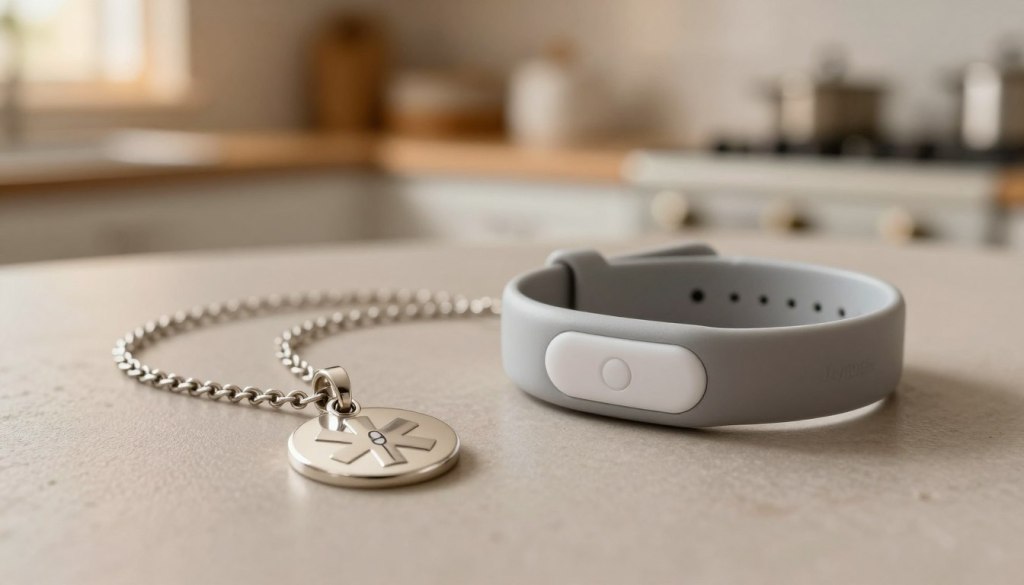
A monitored help button is a pendant or wristband that connects to a staffed monitoring center, which can speak to your parent through the base unit and send help. The technology is not the hard part. Getting it worn is.
Pendants hang at the chest and stay out of the way; wristbands fasten like a watch and feel more natural to some people. If your parent has never worn a necklace, a pendant will end up on the nightstand. Ask which they would prefer and buy that one. Check the battery expectations before you commit — some wearables run for days between charges, others longer — and set a reminder so charging never depends on memory.
The other decision is where the coverage needs to reach. An in-home system pairs a base station with a wearable button and works throughout the house and yard. An on-the-go unit has its own cellular connection and location tracking, which matters if your parent still drives or walks to the shops, but it costs more per month and needs charging every few days.
| Feature | In-home system | On-the-go system |
|---|---|---|
| Best for | Parents who rarely leave home | Active parents who drive and run errands |
| Coverage | House and yard, within range of the base | Anywhere with cellular service |
| Charging | Base is plugged in; button lasts longer | Every few days |
| Monthly cost | Lower | Higher |
If you are weighing a button against a wearable or a scheduled call instead, it is worth reading how smartwatches, texts, and phone check-ins compare before you spend anything. For independent reviews of monitored systems, the National Council on Aging keeps a current comparison.
Build a communication backup that works when things fail
A help button covers emergencies. The backups cover everything else — a dead phone, a power cut, a moment when nobody can remember a number.
Print an emergency contact sheet in large, dark type and put a copy in three places: by the main phone, on the refrigerator, and near the bed. Include family, a neighbor, the doctor, the pharmacy, the preferred hospital, allergies, medications, and any important conditions. Responders who enter the home look at the fridge.
Try JoyCalls Free
No app or new device needed. Start with a free 7-day trial.
Then assign roles rather than good intentions. One person is the primary contact, one is the backup, and a nearby neighbor or building manager can be called for a quick physical check. When “everyone” is responsible, nobody moves first — the same reason it helps to agree in advance how often someone will check in and who makes the call.
For power cuts, keep an easy-to-grip flashlight beside the bed and another by the main chair, and test the batteries on a fixed day each month. Find out whether the home phone still works without electricity; many cordless handsets do not, so one corded phone is a cheap insurance policy. Tape a short outage list where it will be seen:
- Stay seated if the room is dark, then use the flashlight beside you.
- No candles.
- Keep the refrigerator closed and put on warm layers.
- Call the primary contact if the power is out longer than an hour.
- Press the help button if you feel unsafe, dizzy, or hurt.
Add a weather rule too: if a storm or heat wave is coming, one person calls before and one calls after. Older adults often play down discomfort rather than bother anyone.
Set up a medication safety station
Medication mistakes happen quietly — a missed dose, a doubled dose, morning and evening pills mixed up, a label too small to read. Use a weekly organizer with large, clearly labelled compartments, split by time of day if there is more than one round. Refill it on the same day every week, and have a family member or the pharmacist check now and then that it is being filled correctly.
Keep a printed list beside it with each medication’s name, dose, time, purpose, and prescribing doctor, updated whenever something changes; it earns its keep at appointments and in emergencies. Get discontinued and expired medicines out of the house rather than keeping old bottles “just in case.” And make sure the station is well lit — pills should not be taken in a dim bedroom on the way past. If reading labels is hard, ask the pharmacist about large-print labels and easy-open caps, weighing that against safety if grandchildren visit.
Run a monthly safety reset
Safety plans fail when they are treated as a one-time project. Homes change. Batteries die, rugs shift, new medications get added, vision changes. Pick one recurring day a month and keep the list short enough that it actually gets done:
- Test the help button.
- Check flashlight batteries and night lights.
- Review the emergency contact sheet.
- Clear walking paths and look for loose rugs, cords, or furniture that has moved.
- Check bathroom mats and grab bars.
- Refill or review the medication organizer.
- Confirm phones are charging properly.
- Ask what felt difficult this month.
That last question does more work than the rest of the list. Older adults adapt silently: they stop using a room, skip a bath when tired, leave the laundry, stop going outside — all because one task quietly became hard. Asking lets you fix a small problem before it turns into an emergency.
Introduce the changes as independence, not supervision
The plans that stick are built with the person, not imposed on them. Someone who has lived alone for decades will resist anything that feels like being watched or corrected, which is where most well-meant safety projects die — the same balance that makes helping without taking over so hard.
Change the sentence. Instead of “you need this in case you fall,” try “this makes it easier to keep doing things on your own.” Instead of “we’re worried about you,” try “we want help to be easy to reach if you ever need it.” Then offer real choices: wristband or pendant, white grab bar or brushed metal, shower chair with a back or without, morning check-in or evening. Small choices preserve dignity.
Do not do it all in one weekend, either. Start with the four things that carry the most risk — the bathroom, the nighttime path, the medication station, and a way to reach help — and let those settle into normal before you touch the kitchen storage, the entryway, or the monthly reset. If you are starting this weekend, do the walkthrough on Saturday, order the grab bars and night lights on Sunday, and leave everything else for next month.
If it would help to have someone check in with your parent every day, JoyCalls makes a friendly phone call at the times you choose and sends you a short summary afterward. Learn how JoyCalls works or call 1-415-569-2439 to hear a sample call.

Ana Avila is a writer who covers the everyday challenges of supporting older adults: staying connected, checking in regularly, remembering medications, maintaining routines, and helping family caregivers stay informed without feeling overwhelmed.
Her work for the JoyCalls blog focuses on the practical side of aging at home and family caregiving. She writes about loneliness and social connection, wellness check-ins, medication reminders, memory support, caregiver stress, aging in place, and the ways AI companions and voice technology can provide consistent support between visits and phone calls. Most of her articles start with a simple question: what is a family caregiver worried about today, and what practical steps can make that situation easier?
Ana writes for people who are busy and often juggling caregiving with work, family, and their own responsibilities. Her guides are designed to be easy to understand, useful right away, and grounded in the realities of caring for an aging parent or loved one. She avoids jargon, explains technology in plain language, and is careful not to oversell what any tool, including AI, can do.
A consistent theme in her writing is that technology should strengthen human connection rather than replace it. The measure of a good system, in her view, is simple: does an older adult feel less alone, does a family member have greater peace of mind, and does a caregiver have more time and energy for the moments that matter most.