

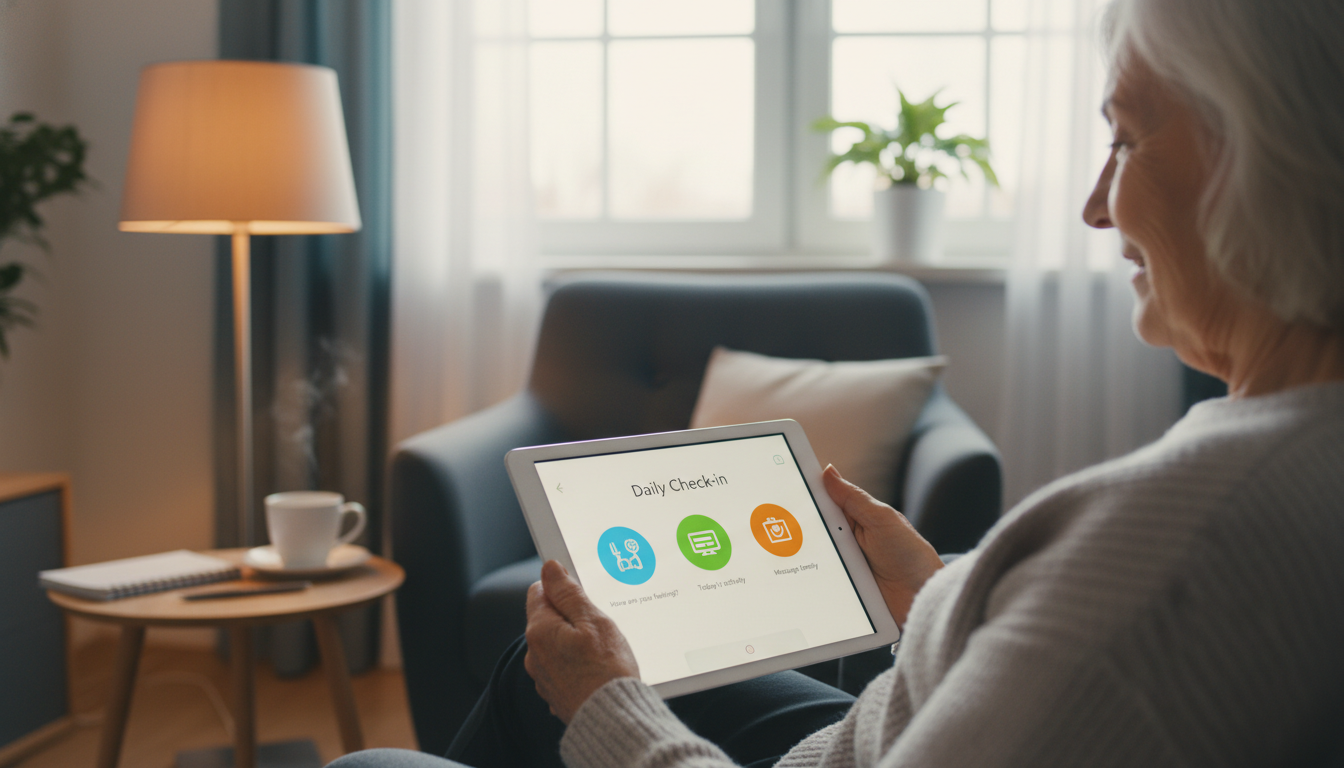
There is no single best daily check-in tool, and any list that claims otherwise is guessing about your family. The honest answer is that the best option is the one your parent will actually answer on day sixty, not just day one. This guide walks through the main categories of check-in tools, the simple no-app options that work just as well, and the questions that tell you which one fits the person you are worried about.
The main types of daily check-in tools
Most of what families use falls into four groups. They solve different problems, and plenty of households end up combining two.
Medication and health reminder apps
Apps like Medisafe send reminders at dose times and can alert a family member when a dose is marked as missed. Blood pressure and symptom trackers work the same way, logging readings your parent can bring to an appointment. The catch is that these apps live on a smartphone and need someone to tap them every day, so they suit an older adult who already uses their phone comfortably and is mainly trying to stay organized.
Video and messaging apps
Zoom, Facebook Messenger and similar tools are for connection rather than monitoring. They are good for grandchildren, birthdays and long catch-ups, and Nextdoor can help a parent find local help or neighbors. None of them tell you anything when your parent simply does not show up, so they work best alongside something more predictable.
Emergency alert devices
A one-press alert button or pendant covers the moment something goes badly wrong. It is worth having if falls are the main worry, but it is reactive by design: it waits for your parent to press it. It tells you nothing about the slow changes that usually come first.
Automated phone check-in services
These call your parent on their ordinary phone at a set time, ask a few simple questions, and send you a short summary afterward. Nothing to download, nothing to charge, no new device to learn. This is the category JoyCalls is in, and it is usually the right one when your parent is not a smartphone user, or when the real problem is that nobody has time to call every single morning.

| Method | What it takes to use | Best for |
|---|---|---|
| Family phone call | Any phone | Real conversation, hearing how they sound |
| Text message thread | Smartphone or basic texting | Quick daily reassurance |
| Reminder app | Smartphone, daily taps | Medication and appointment tracking |
| Automated check-in call | Landline or cell, nothing to set up on their end | Consistent daily contact when family cannot call |
| Video chat | Internet device and some comfort with it | Longer social visits, seeing faces |
The no-app options that work just as well
Plenty of families never install anything. A standing phone call at the same time every day does everything a check-in app does, and it gives you something no app can: you hear laughter, hesitation, or a voice that sounds slower than usual.
A few low-tech arrangements that hold up over time:
- A fixed daily call at a time that already exists in their routine, such as morning tea.
- A short evening text, agreed in advance, that only needs a one-word reply.
- A rotation, where a different family member takes a different day of the week. A written daily and weekly caregiving plan keeps a rotation from quietly collapsing onto one person.
- A neighbor or building manager who agrees to knock if nobody can reach them.
Hybrid setups are common and sensible: family handles weekends, an automated call covers the weekdays nobody can reliably manage. What matters is that the contact happens every day, not which method delivers it.

Pick the tool that fits the person, not your anxiety
Families usually choose the option that would reassure them most, without asking what their parent will comfortably accept. If the routine feels too frequent or too controlling, the senior stops answering, and a system nobody uses is worse than no system at all.
Before you sign up for anything, answer these:
- Do they enjoy a ten-minute conversation, or do long calls drain them?
- Do they hear well on the phone? If not, the tool needs slower pacing or a backup method.
- Are they genuinely comfortable texting, or do texts get missed?
- Do they hate being interrupted? Then pick a predictable time and a short format.
- Do they respond better to a voice than to a screen? This is very common and worth respecting.
From there the match is usually obvious. Someone who values simplicity does best with a short call at the same time daily. Someone who bristles at “check-up” language does better with a casual conversation than a wellness script. Someone who is mainly lonely needs a method that leaves room to talk, not a status confirmation. If you are still torn between wearable devices and a plain phone call, this comparison of smartwatch, text and phone check-ins lays out the trade-offs.
Whatever you are leaning toward, involve your parent in the decision and test it together for a week or two before committing. Many services offer a trial period for exactly this reason.
Know what a normal day looks like first
A tool only helps if you can tell the difference between an off day and a warning sign. Before you start, write down what typical looks like: what time they usually wake, how they normally sound, their usual energy, how long they normally talk, and the routines they mention most often, such as a morning walk, the paper, or a neighbor who stops by.
With that baseline, “she sounded a little off” turns into something you can act on. It also prevents the opposite mistake: treating a quiet day as an emergency when they have always been quiet in the mornings. Most serious problems do not start dramatically. They start with less appetite, more confusion, unusual tiredness, repeated forgetfulness, or a flatness in conversation that only shows up if you know what the baseline was.
What to actually ask on a daily check-in
A reliable pattern makes sure nothing important gets missed, without making every call sound like an intake form. Five short beats are enough:
- Warm opening. “Hi Mom, just checking in. How are you feeling today?”
- Wellbeing question. “How did you sleep?” or “Have you eaten yet?” or “Are you feeling steady on your feet today?”
- Practical check. “Did you take your morning medication?” or “Do you need groceries or anything picked up?”
- Forward-looking question. “What’s your plan for the rest of the day?” or “Is anyone coming by?”
- Easy closing. “Okay, I’ll check in again tomorrow around the same time.”
Leave room for the non-functional parts too: the weather, a neighbor, what they are watching, something they mentioned yesterday. That continuity is what keeps the routine from feeling mechanical. If the calls keep stalling out, a set of easy conversation starters for phone calls gives you somewhere to go after the first two questions.
Decide what happens when they don’t answer
This is the part most families skip, and it is the part that matters most. A missed check-in usually means the shower, a nap, or a phone charging in the other room. But with no agreed next step, a twenty-minute silence turns into panic, or, just as bad, into three hours of nobody wanting to overreact. Write the sequence down before you need it.
- Make the first attempt at the agreed time, using the usual method.
- Retry after a short buffer — 15 to 30 minutes is reasonable.
- Switch methods. If you called, send a text or leave a voicemail. If you texted, call.
- Tell the backup person that there has been no response, so you are not carrying it alone.
- Check context. Is this unusual for them? Did they mention an appointment? Do they nap at this hour? Is the phone battery often dead? Have they been unwell?
- Escalate. If it is out of character and repeated attempts fail, call the local helper — a neighbor, nearby relative, building staff — or request an in-person welfare check.
Alongside the sequence, agree on who is first to call, who follows up second, who lives closest, and who has key access. Keep that list somewhere shared rather than in one person’s head. Also agree on what moves a situation from “probably fine” to “follow up now”: repeated missed check-ins, unusual confusion, a report of dizziness, a fall or chest discomfort, or comments suggesting they have not eaten or taken medication.
Keep it respectful, and keep it off one person’s shoulders
Nobody wants to feel managed. The wording you use when you set this up largely decides whether your parent cooperates for months or quietly opts out in week three.
Instead of “we need to keep tabs on you” or “you have to answer every day,” try “let’s find a routine that feels easy for you,” or “this is just a simple way to make sure someone notices quickly if you ever need help.” Give them real choices wherever you can: the time of day, the method, who calls on which days, and whether updates go to one person or several.
On the family side, one person should stay the coordinator — keeping the schedule, the backup contacts and the notes current — even if the actual calls rotate. Keep concerns in one place, a group chat or a shared note, with entries as short as “sounded more tired than usual today” or “skipped breakfast again.” Single days mean little; a fortnight of them tells a story. If your parent seems resistant, start smaller than you think you need. Three set check-ins a week that hold are better than a daily plan that collapses.
Your first week
Pick one method and run it for a week before you judge it. Agree on the time with your parent, write down the five questions and the six missed-check-in steps, name the backup person and the nearest helper, and note anything that felt different each day. At the end of the week, ask whether the timing is still realistic, whether the method is easy for them, and whether the load is landing on one person. Revisit it after any fall, illness, medication change, or stretch where missed check-ins become routine. The system that survives real life beats the impressive one every time.
If it would help to have someone check in with your parent every day, JoyCalls makes a friendly phone call at the times you choose and sends you a short summary afterward. Learn how JoyCalls works or call 1-415-569-2439 to hear a sample call.
Try JoyCalls Free
No app or new device needed. Start with a free 7-day trial.

Ana Avila is a writer who covers the everyday challenges of supporting older adults: staying connected, checking in regularly, remembering medications, maintaining routines, and helping family caregivers stay informed without feeling overwhelmed.
Her work for the JoyCalls blog focuses on the practical side of aging at home and family caregiving. She writes about loneliness and social connection, wellness check-ins, medication reminders, memory support, caregiver stress, aging in place, and the ways AI companions and voice technology can provide consistent support between visits and phone calls. Most of her articles start with a simple question: what is a family caregiver worried about today, and what practical steps can make that situation easier?
Ana writes for people who are busy and often juggling caregiving with work, family, and their own responsibilities. Her guides are designed to be easy to understand, useful right away, and grounded in the realities of caring for an aging parent or loved one. She avoids jargon, explains technology in plain language, and is careful not to oversell what any tool, including AI, can do.
A consistent theme in her writing is that technology should strengthen human connection rather than replace it. The measure of a good system, in her view, is simple: does an older adult feel less alone, does a family member have greater peace of mind, and does a caregiver have more time and energy for the moments that matter most.